Languages, mobile and keyboard
Choose your language, use Youm on a phone and navigate it entirely with the keyboard.
Youm reads in French and in English, on a computer as on a phone, and can be navigated entirely with the keyboard.
Choose your language
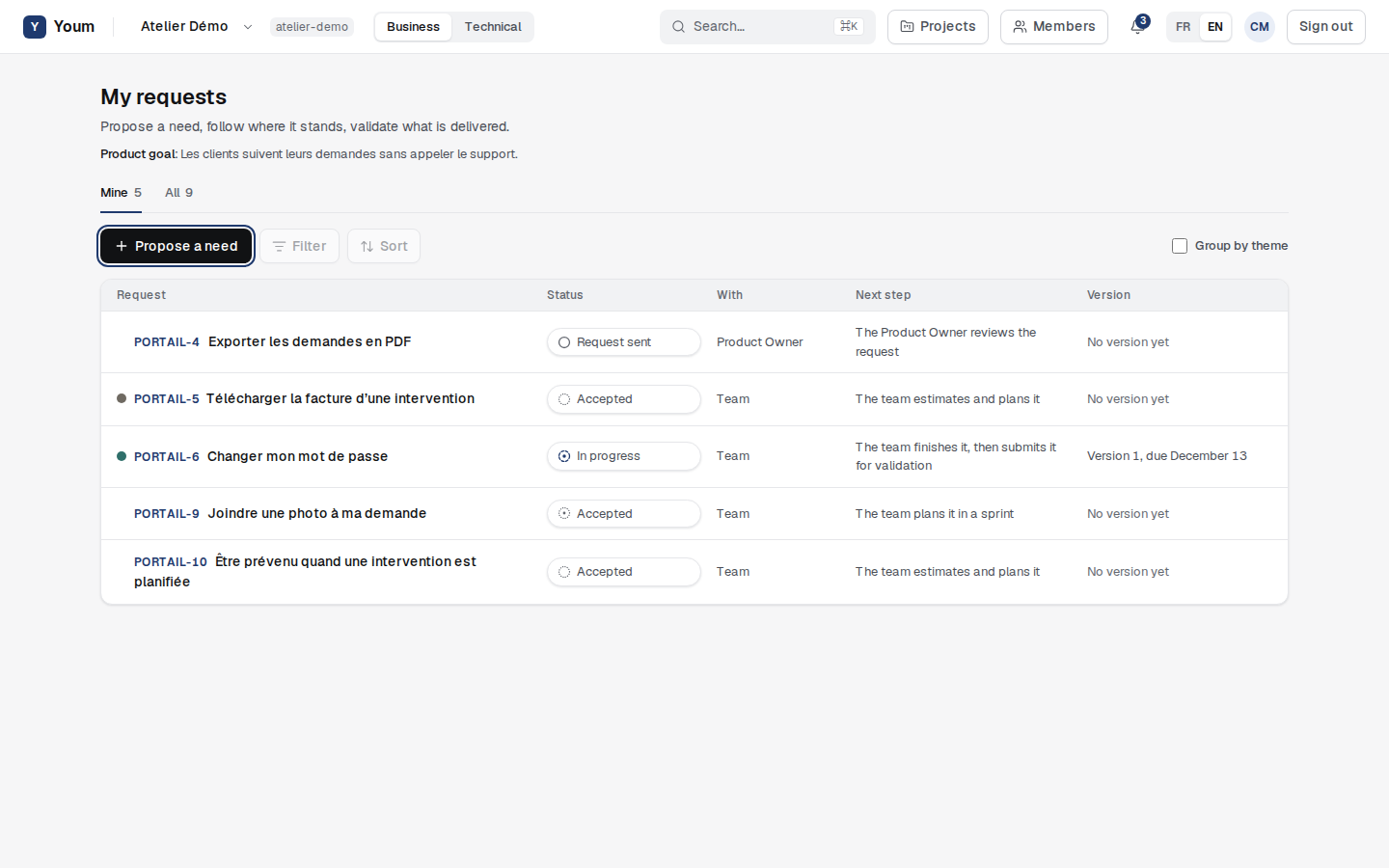
The FR / EN switch, at the top of the screen, changes the interface language. This choice is saved on your account: it applies when you sign in from another device, and it is also the language of the notifications Youm emails you. Youm’s refusals, with their rule code, are translated like everything else.
Data entered by people, such as a request title or a comment, stays in the language it was written in.
On a phone
Every screen fits a 390-pixel-wide phone, without horizontal scrolling: proposing a request, following it, validating it, moving Task Board tasks forward. On a small screen, tables turn into cards, a request’s details take the whole screen and the Task Board columns stack.
With the keyboard
- Tab and Shift+Tab move from one element to the next; the active element is always marked in dark blue, by an outline or by a field’s border.
- The first Tab offers Skip to content, which skips the top bar.
- Enter or Space triggers a button; Escape closes a request’s or task’s details, or the bell.
- In a request’s or task’s details, focus stays inside while it is open, then returns where it was when it closes.
- To rank the backlog without dragging, use Move up and Move down; on the Task Board, a card’s arrows move it one column.
Text colours meet a contrast of at least 4.5 to 1 against their background, as required by level AA of the WCAG 2.2 accessibility guidelines.