Releases and sprints
Split a Version into sprints, plan estimated stories into them and start the next sprint.
A release leads to a Version of the product: that is the name the business gives it. It is split into fixed-length sprints, invisible to the business. Everything happens in the Technical view, Planning view.
Create a release
The Product Owner fills in New release: the Release name, its Start and End dates, and its Vision, what the Version will bring, read by the business. Sprints are generated straight away, at the project’s sprint length; the last one is shortened if it goes past the end date.
The Product Owner then chooses Activate the release. Only one release is active at a time: activating another one closes the previous one, provided none of its sprints is running.
Plan stories
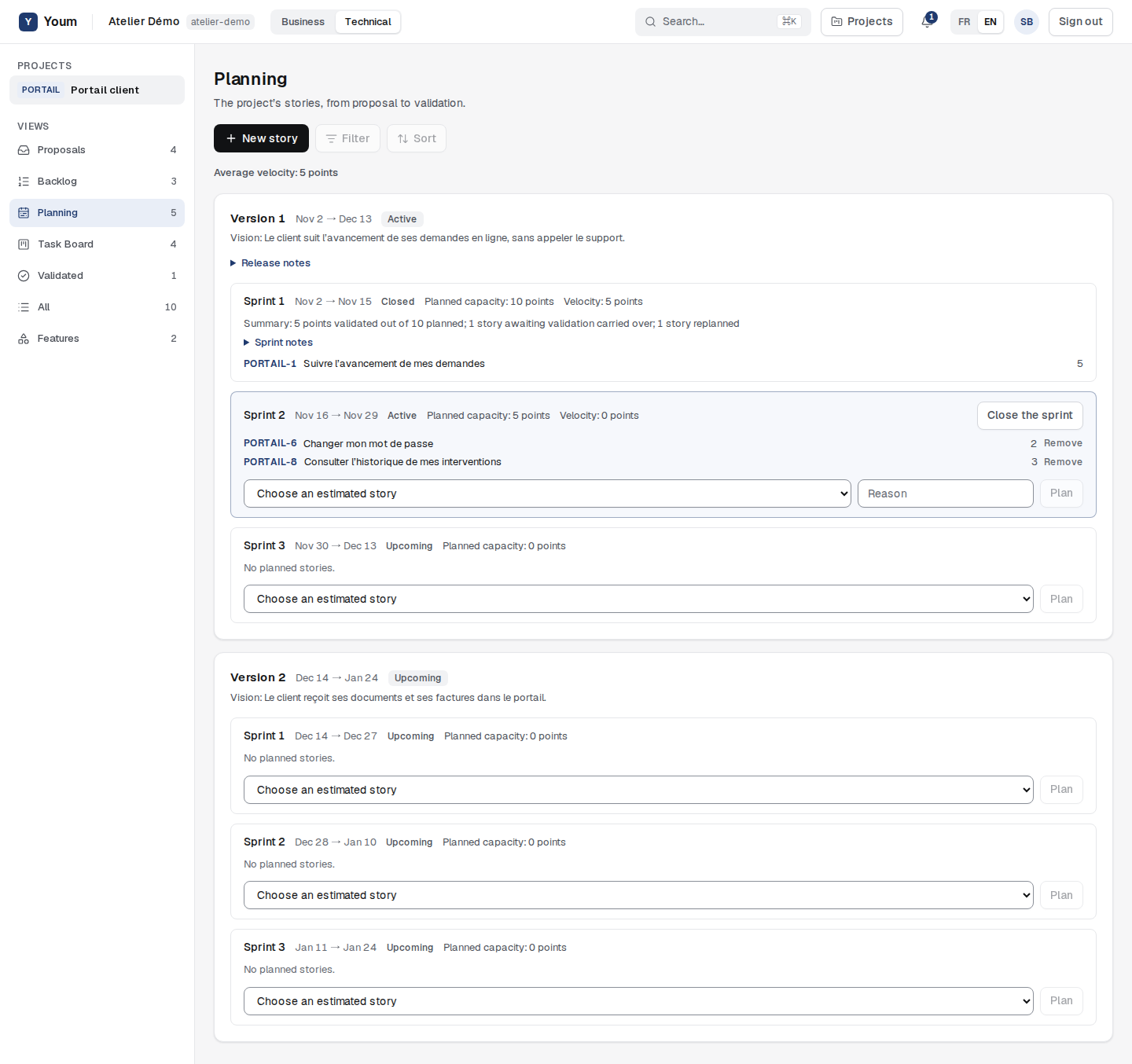
The Product Owner and the Scrum Master plan. Under each sprint, they choose an estimated story from the backlog, then Plan: the story becomes Planned and leaves the backlog (straight to In progress if the sprint is active). Remove sends it back to the bottom of the backlog; to re-estimate it or return it to proposals, remove it first.
- Only an estimated story can be planned (rule PLN-003).
- A story can have several Prerequisites, accepted stories of the same project, which the Product Owner and the Scrum Master declare in its details. Each prerequisite must be planned in the same or an earlier sprint; while a planned story depends on it, it can be neither removed nor pushed after it.
- A sprint’s Planned capacity is the sum of planned points; a ”?” estimate counts as 0. In a project without estimates, each story counts as 1.
Start a sprint
Activate the sprint only applies to the next sprint of the active release, and only one sprint is active at a time (rule PLN-006). On activation, its stories become In progress. While that sprint is running, the next one waits.
To add a story to an active sprint, or remove it, a Reason is required: it stays in the story’s history (rule PLN-007).
What the business sees
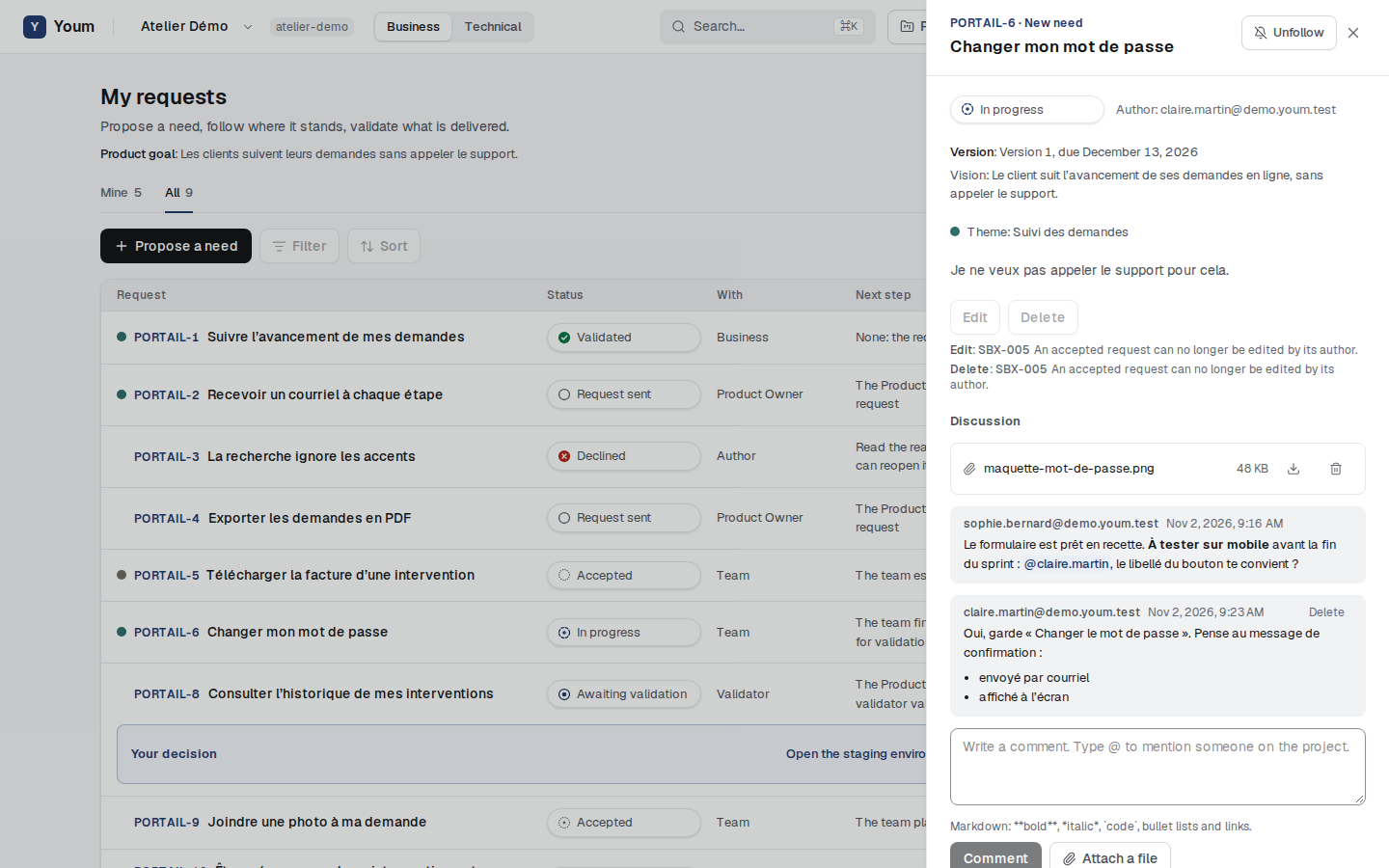
The Business view shows the product goal, and for each request the targeted Version and its due date. A request’s details add the Version’s vision. Sprints and points never appear there.