Estimate and rank the backlog
The team estimates accepted stories, the Product Owner decides their order.
The backlog gathers the stories accepted by the Product Owner, estimated or not. It opens from the Technical view, Backlog view.
Rank the backlog
The Product Owner decides the order: the story at the top is the most important. They drag a story to its new place, or use the Move up and Move down arrows at the end of its row. The order is kept for everyone. A newly accepted story arrives at the bottom of the backlog.
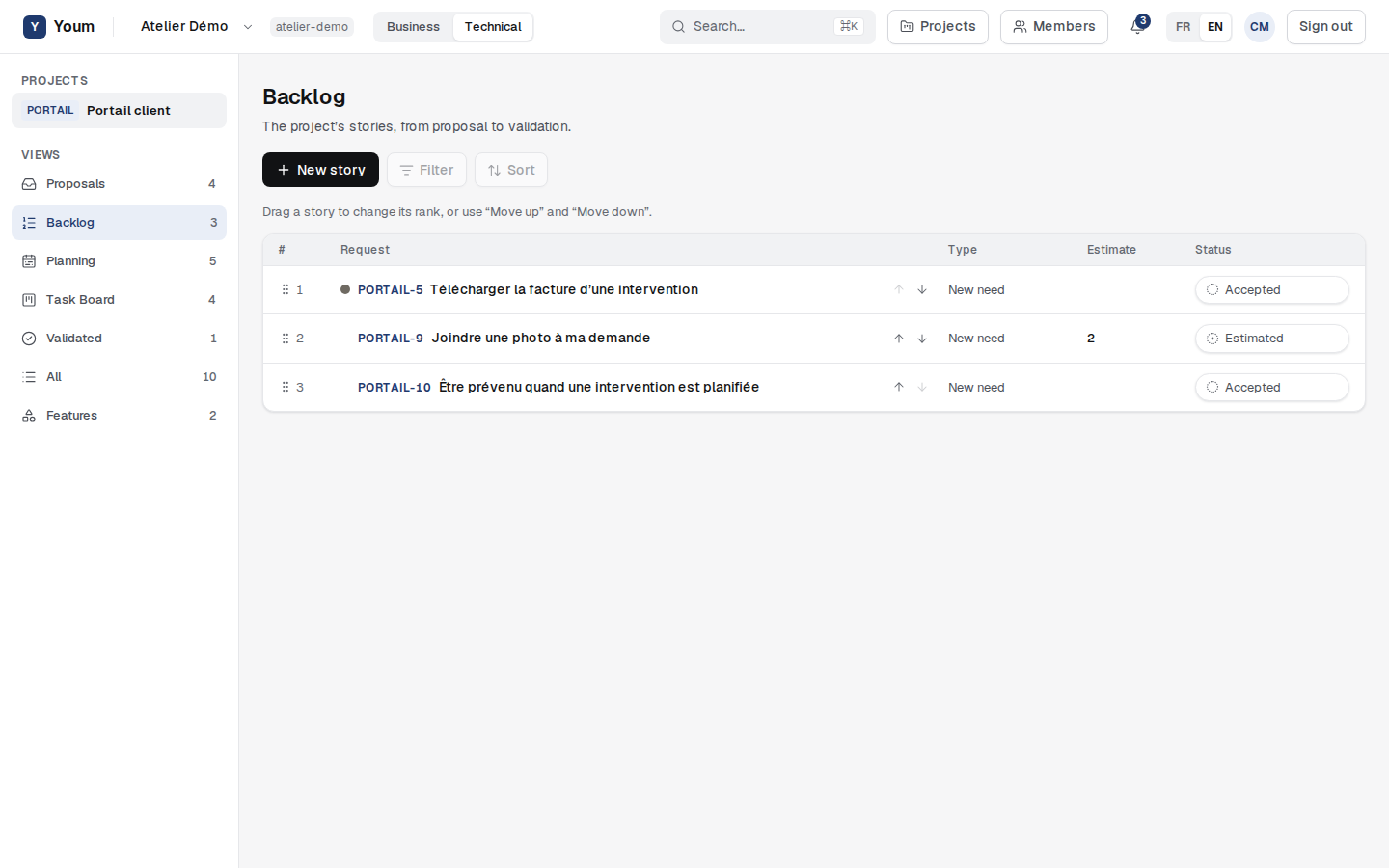
If someone changed the backlog in the meantime, Youm refuses the new order and reloads the current backlog: just do it again.
Estimate a story
Only members of the team that runs the project and its Scrum Master estimate. A Product Owner who is not in the team cannot estimate (rule BLG-003).
- Open a story from the backlog.
- Choose Estimate, then a value from the project’s scale.
- Confirm with Estimate: the story becomes Estimated.
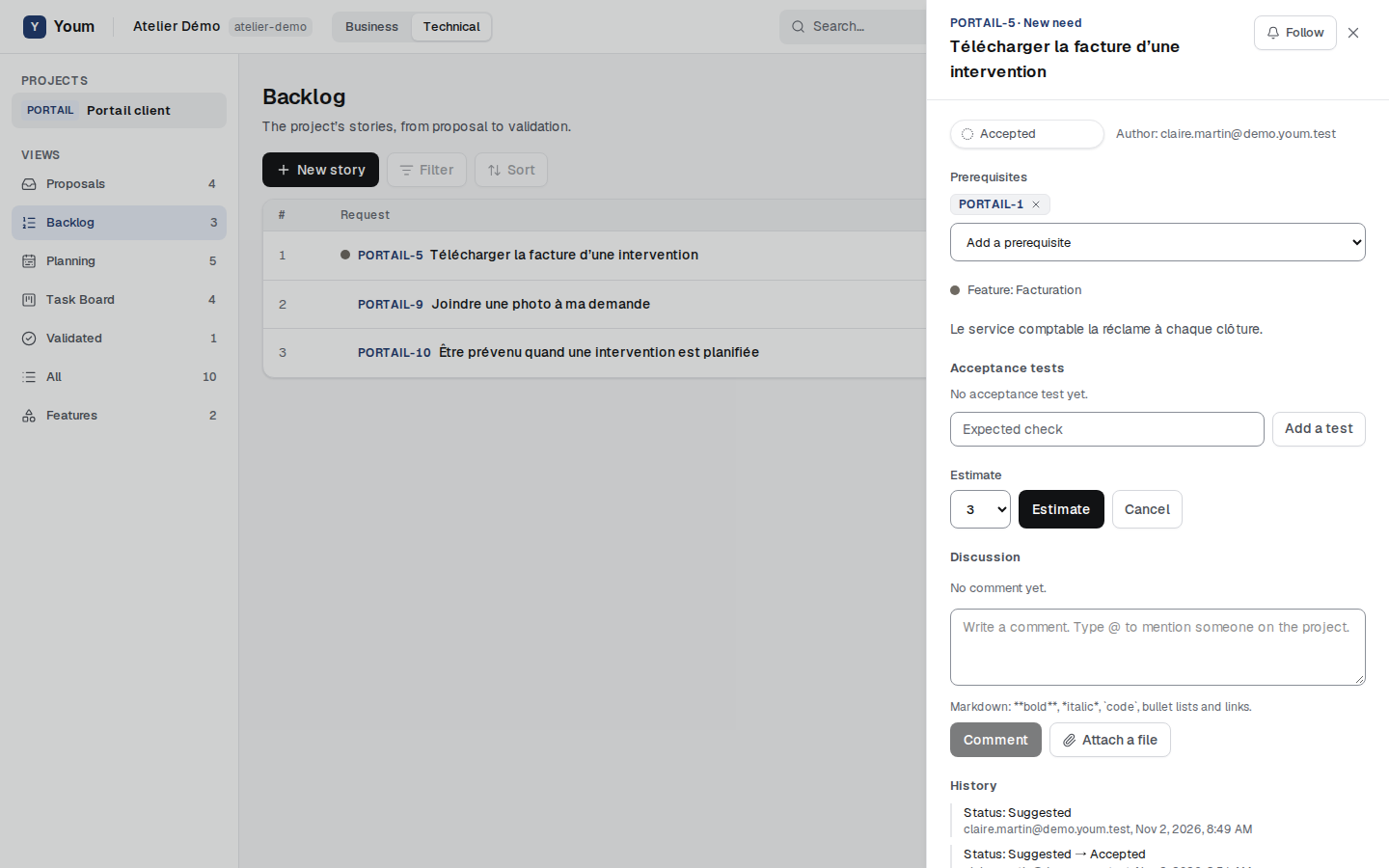
A story can be estimated again; the history keeps every estimate. The scale is set by the Scrum Master in the project’s practices:
- Fibonacci: 0, 1, 2, 3, 5, 8, 13, 21, 34, and ”?” when the team does not know yet;
- Integers: 0 to 999;
- Custom: 2 to 15 numbers chosen by the Scrum Master, from smallest to largest, separated by semicolons;
- No estimation: each story counts as 1, and the Estimate button is greyed out.
When the Scrum Master changes the scale, estimates that no longer fit it are cleared: those stories become Accepted again, to be re-estimated, and the history records it. The Business view never shows estimates.
Return a story to proposals
The Product Owner can return an accepted or estimated story to proposals, with Return to proposals. It becomes Suggested again, leaves the backlog, and its estimate is cleared.